
Desktop Software Development
Windows software that people use all day: engineering tools, field apps and background services that run overnight. Built in WPF, .NET MAUI and modern .NET, and shipped with signed installers.
The right framework for the job
We’ve shipped production software in every major Windows desktop framework, so we recommend the one that fits your users rather than the one we happen to know.
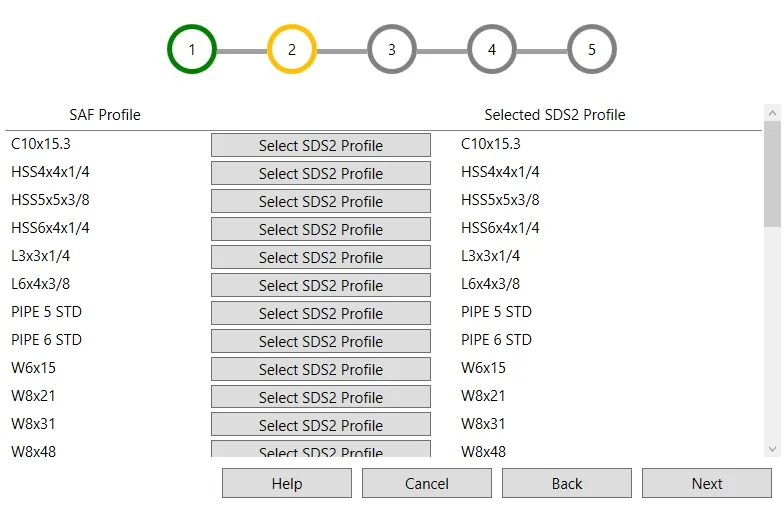
WPF
Best for
Rich Windows tools with complex data entry, wizards and live previews: the workhorse for engineering and line-of-business software.
We’ve built
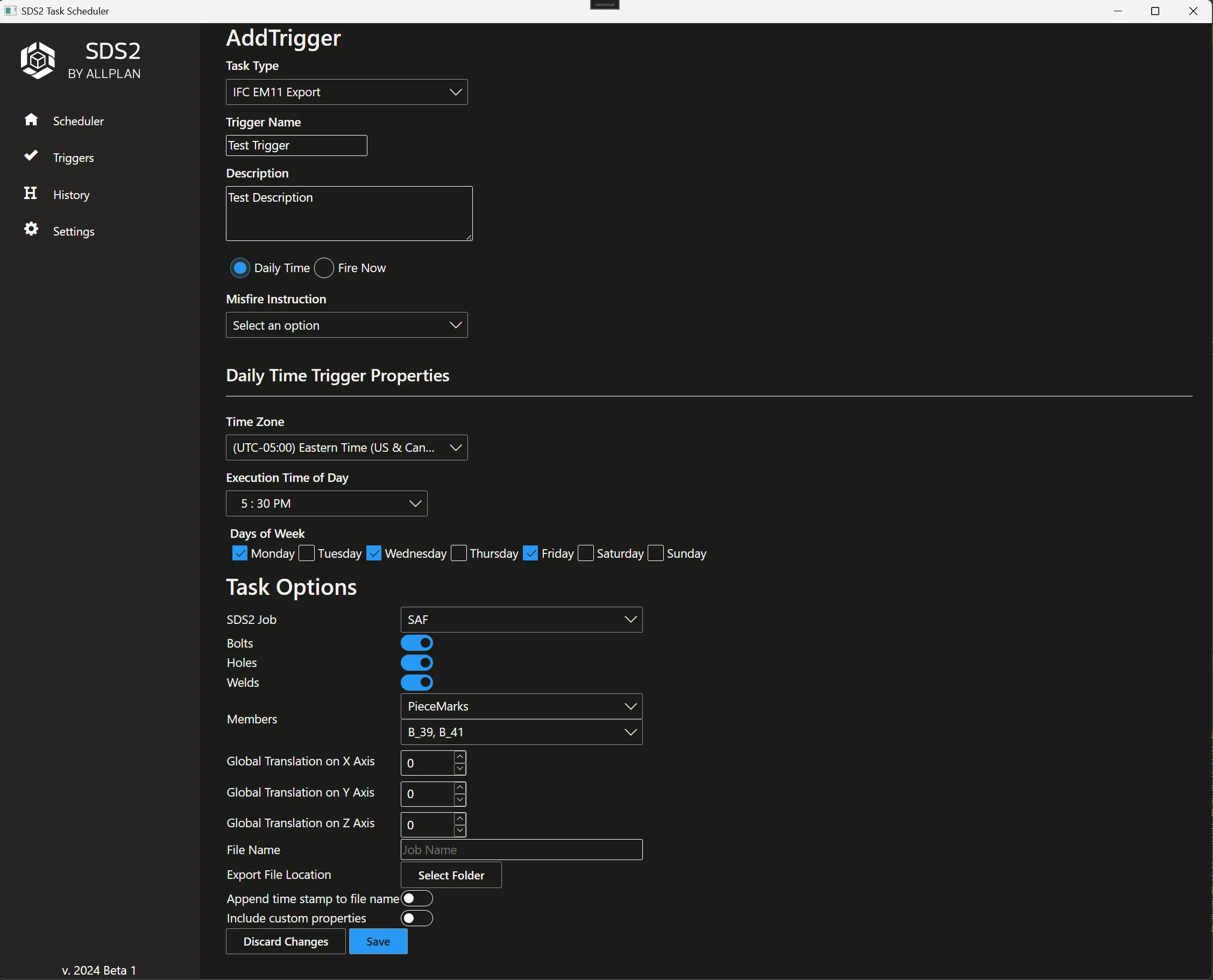
Windows services
Best for
Work that runs in the background, overnight or on a server, with no one at the keyboard and no PC tied up.
We’ve built
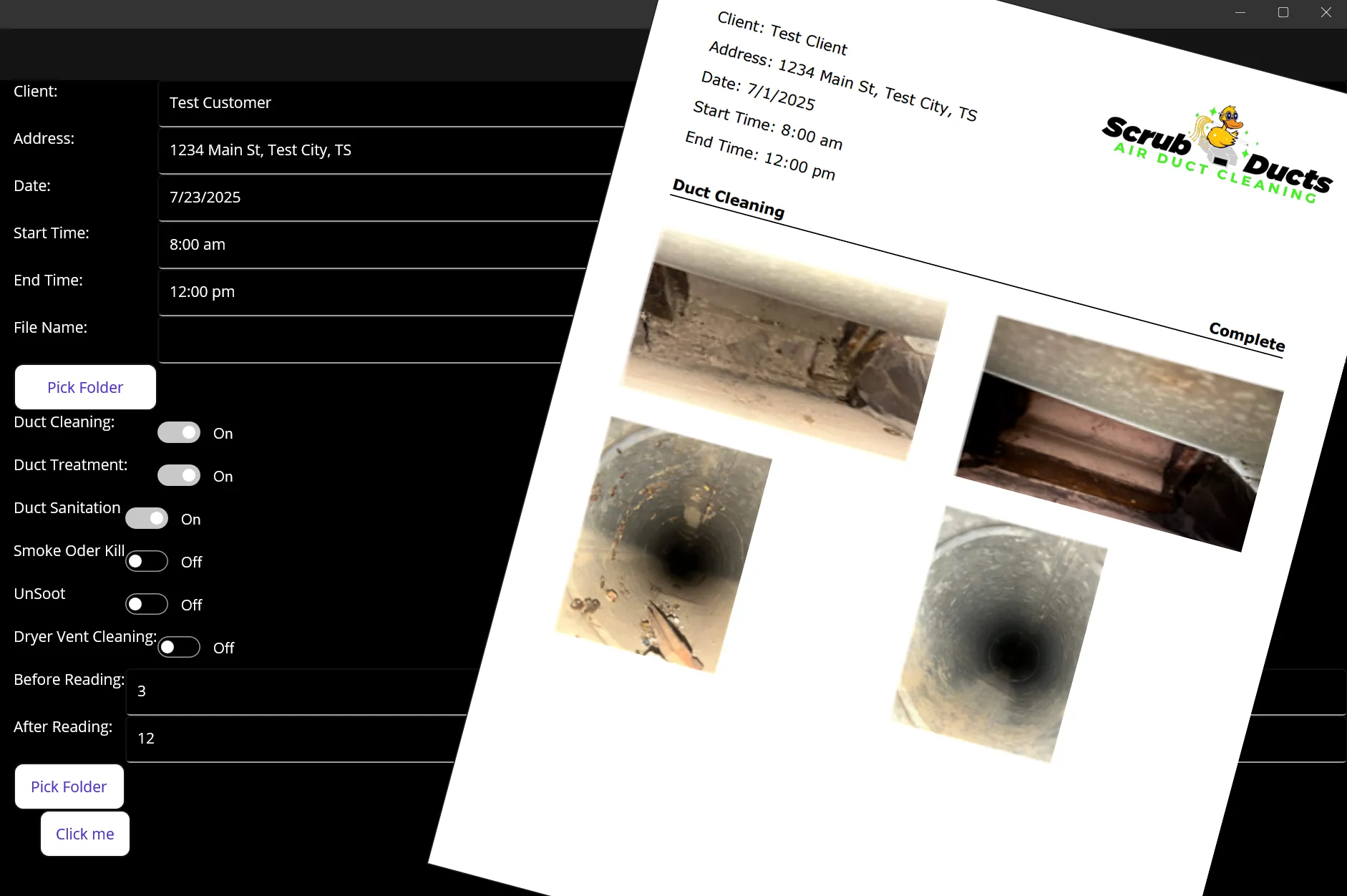
.NET MAUI
Best for
One app for Windows desktops and the tablets or phones your team carries into the field.
We’ve built
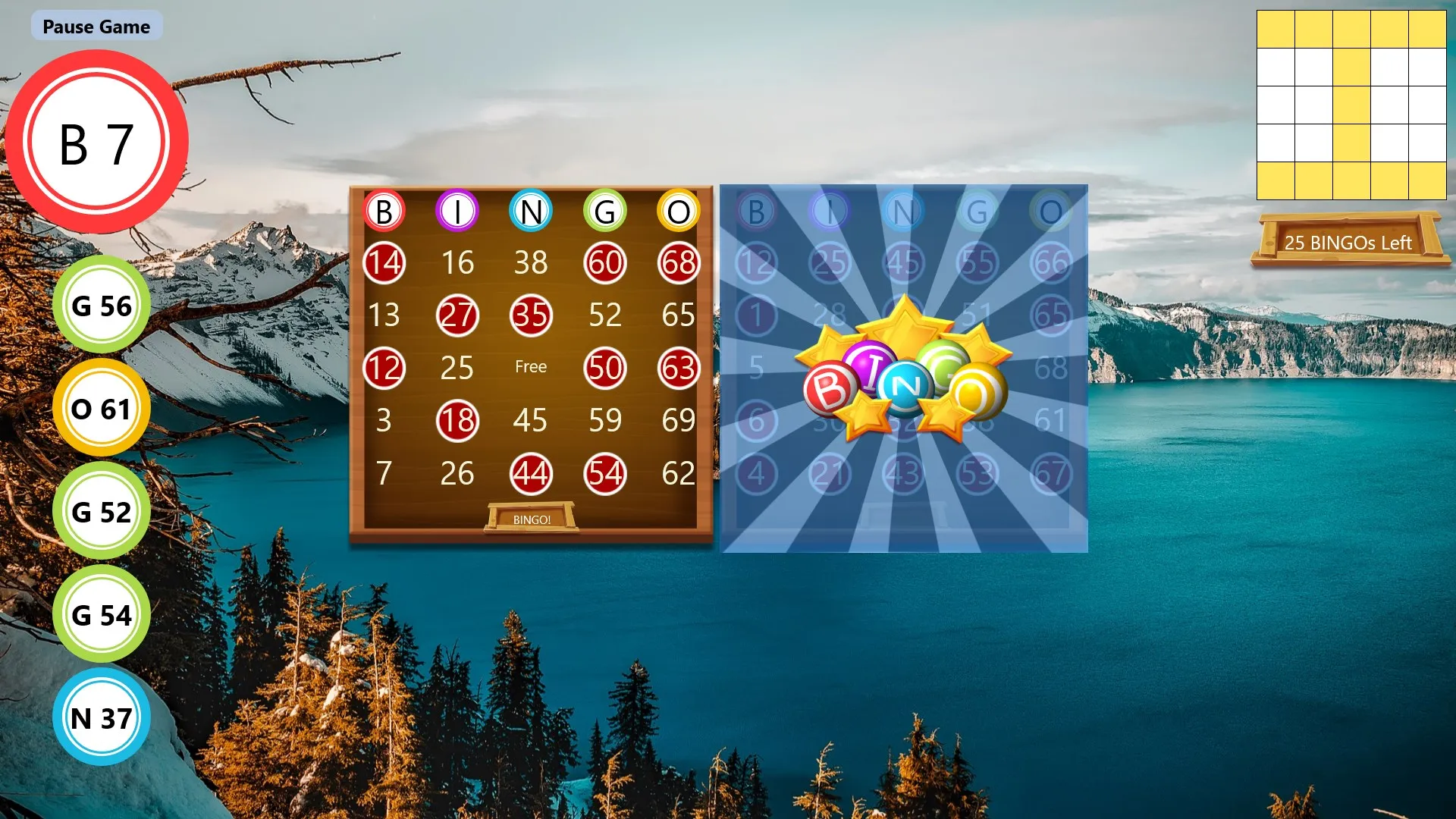
UWP
Best for
Store apps for the Windows device family, including Xbox, with mouse, touch and controller input.
We’ve built
WinForms
Best for
Keeping proven business apps running, extending them, and modernizing them one screen at a time.
We’ve built
Modernize, don’t rewrite
Most business-critical desktop apps don’t need to be thrown away. We move them to current .NET in stages, untangle the logic from the screens and add automated builds, so the app your team relies on keeps working while it gets better.
Drag the handle to compare.
Before
- .NET Framework 4.x
- Logic buried in form code-behind
- Manual installs and copied DLLs
- UI freezes during long tasks
- Builds made on one developer’s PC
After
- Current .NET with long-term support
- WPF or MAUI with MVVM and tests
- Signed WiX installers
- Background services and async UI
- Azure DevOps pipeline on every change
From commit to installed
- 01
Commit
Every change goes through a pull request.
- 02
Build
Azure DevOps Pipelines compile and test it.
- 03
Package
A WiX installer is produced automatically.
- 04
Sign
Installers are code-signed so Windows trusts them.
- 05
Deliver
To your network, the SDS2 Toolbox or the Microsoft Store.
Desktop projects
- SAF Import/ExportEffortless SAF import & export for SDS2 via a user‑friendly WPF tool—seamless model exchange without manual rework.C# · WPF · SDS2 .Net API · XAML
- Scrub Ducts Report GeneratorMAUI app turns duct‑cleaning photos into branded PDF reports in < 7 min—cutting prep time by 90 % for Scrub Ducts technicians.C# · .Net MAUI · Pdf.Sharp · XAML
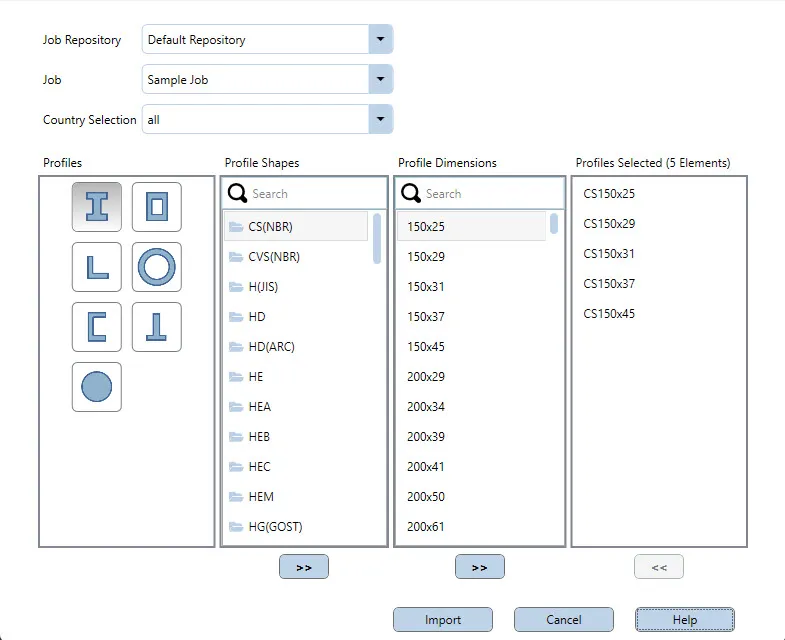 Allplan Profile CatalogAllplan Profile Catalog lets SDS2 users import global beam & column shapes in seconds—secured by Toolbox license + Bimplus login, always up‑to‑date.C# · WPF · SDS2 .Net API · XAML
- SDS2 Task SchedulerQuartz‑based Windows service & dynamic Blazor client automate SDS2 tasks—IFC exports, custom jobs—plug‑in SDK lets users add new schedulable actions in minutes.C# · Blazor · WPF · .Net Core
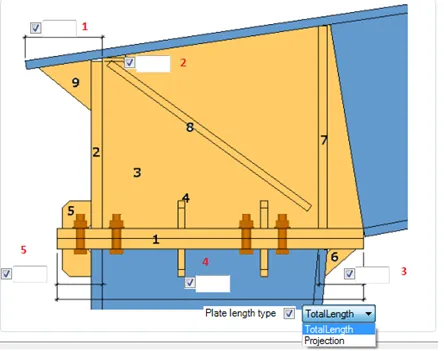 Tekla Plugins and Apps50+ Tekla plugins built for BlueScope Steel NA slash PEMB modeling time and lock in VP/BMP brand standards across every project.C# · Tekla API · XAML · WiX Installer
 All Plan SDS2 Connection DesignerC# service using SDS2 API & named pipes syncs steel connections to Allplan in seconds—foundation of the official Allplan SDS2 Steel Connections add‑on.C# · SDS2 .Net API · IPC
- Bingo HallBingo Hall recreates classic bingo on Windows & Xbox with single-player, party caller mode, 20 game types, and printable cards for effortless at-home fun.C# · UWP · XAML
Questions we hear
- Is desktop software still worth building?
- For engineering, manufacturing and back-office work, yes. Desktop apps work offline, handle large files and heavy computation, and integrate with Windows-based CAD and BIM tools such as SDS2 and Tekla.
- Which framework should we use?
- WPF for rich Windows tools, .NET MAUI when the same app should also run on tablets or phones, and Windows services for background work. If you already have a WinForms or WPF app, we usually modernize it rather than start over.
- Can you modernize our old .NET Framework application?
- Yes. We move it to current .NET in stages, separate the business logic from the screens, add automated builds and installers, and keep it working for your users the whole time.
- How do updates reach our users?
- Azure DevOps pipelines build and package a signed WiX installer on every change, so new versions reach users quickly and reliably. We’ve also published apps to the SDS2 Toolbox and the Microsoft Store.
- Can a desktop app work with the cloud?
- Yes. Our desktop tools call ASP.NET Core APIs, sign users in with OAuth and pull live data, such as the global steel-profile catalog the Allplan Profile Catalog reads from Allplan Bimplus.
Explore other services
Ready to leverage your data for success?